

When Black Forest Labs announced flux 1 a year ago, it blew my mind. Up until that point, I was experimenting with Stable Diffusion(sdxl) models, which are okay but had lot of limitations, and generated all kinds of weird images - 6 fingers, 3 hands, distorted faces, etc.
Flux 1 changed the game, it was accurate, realistic and when paired with LORAs, we can generate anything we can dream of. I was hooked, and I thought it is the pinnacle of AI image generation. It could not get any better than this.
However, Black Forest Labs just dropped Flux 2 and it caught me by surprise. It stood up to its title “Frontier Visual Intelligence” and I think they nailed it again.
I have been playing with Flux 2 since yesterday and here are some of my thoughts.
Flux.2 is not for Everyone
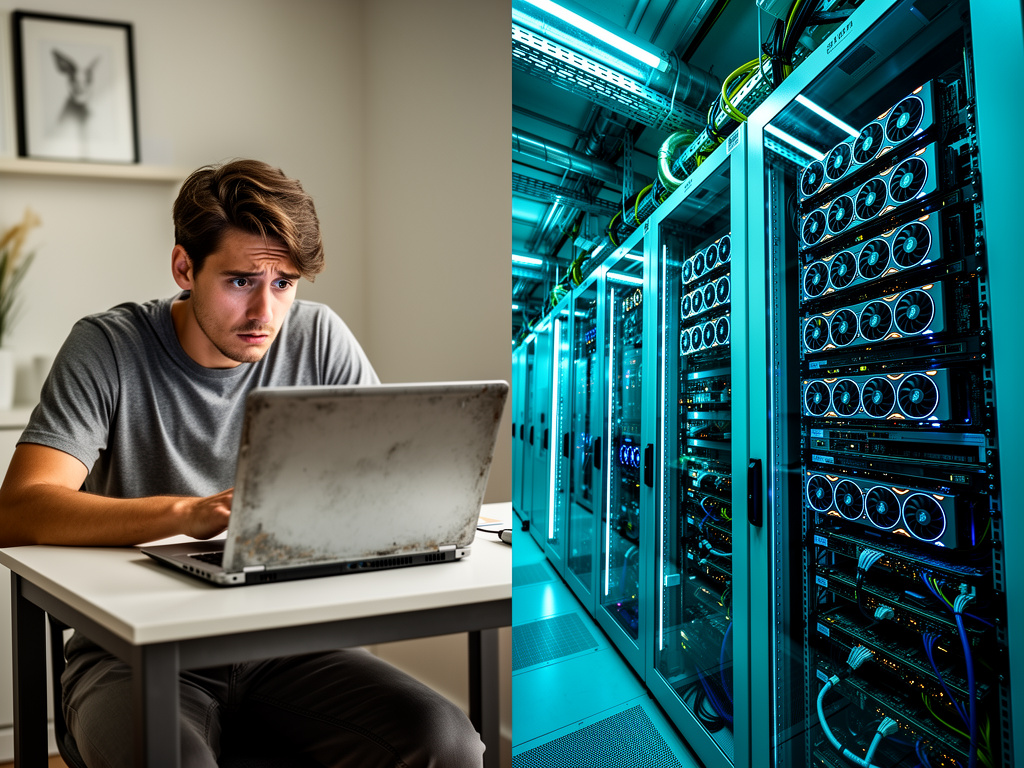 Generated by Bargav Kondapu via Flux.2/fal.ai.
Prompt: Split scene, left side shows a regular person with modest laptop looking confused, right side shows enterprise server farm with multiple GPUs and cooling systems, dramatic contrast, professional photography
Generated by Bargav Kondapu via Flux.2/fal.ai.
Prompt: Split scene, left side shows a regular person with modest laptop looking confused, right side shows enterprise server farm with multiple GPUs and cooling systems, dramatic contrast, professional photography
The first thing that I noticed is that this model is a beast. We are talking about a 32b parameter model, that requires around 90GB VRAM to load completely. Even GPUs RTX 4090 might struggle to load this model. We might need something like H100 or equivalent.
BFL and Nvidia collaborated to bring optimized FP8 version of model, that require less RAM and improved performance, however that has some significant hardware demands.
For an average hobbyists, like me, this is a barrier. Flux.2 is aimed at enterprises and professionals with serious compute power and/or API budgets.
My Workflow
I don’t have access to high end hardware to even run Flux.1, let alone Flux.2. I used to run stable diffusion webui forge on RunDiffusion before, then switched to RunPod, renting GPU instances as needed.
The easiest way to get started with Flux.2 is using it on fal.ai. It’s fast, reliable and handles the heavy lifting of infrastructure. It currently costs around $0.06 per image, which is reasonable for occasional use and experimentation.
However if I have to implement it within a team or for heavy use, depending on the usage and budget, I might consider RunPod or LambdaLabs, renting high end GPU and using comfyUI as well.
Image Quality
I have spent last few hours generating images with Flux.2 and actually testing all their claims on their blogpost. I must say, majority their claims are valid. Here are what they promised and my experience with it.
Multi Reference Magic
This is my favorite feature. Previously if we have to maintaining consistent characters, we have to use Img2Img or a fine-tuned LORA and hope for the best. It was solved with Flux Kontext, but it was a struggle for me to maintain and switch between base model (Flux.1-dev) and Flux Kontext.
With FLux.2-dev, this is a built in. I can provide multiple reference images, provide context around character, clothing style, background, etc.. and it maintains consistency. This has a huge potential in generating story arcs, comics, etc.
Some examples below:
 Prompt: @image1 make the man in blue stand in cafetaria, speaking with another office colleague. He is holding a cup of coffee. A story board illustration.
 Prompt: @image1 make the man in blue drive a car. A story board illustration.
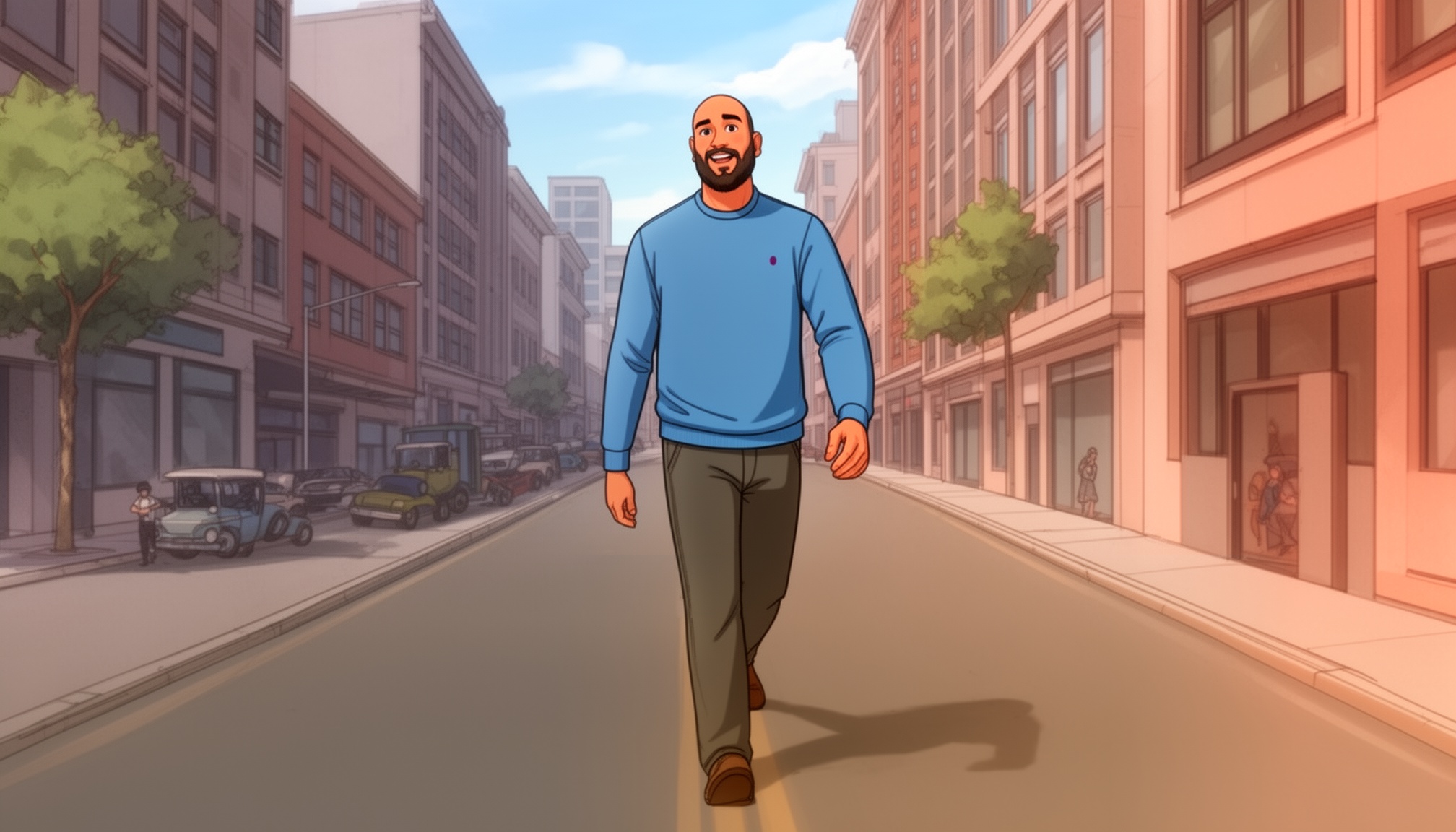 Prompt: @image1 make the man take a walk along side of a road in a down town. A story board illustration.
 Prompt: @image1 make the man in blue sit across a conference table, along with few more people. It's a mix of men and women. A story board illustration.
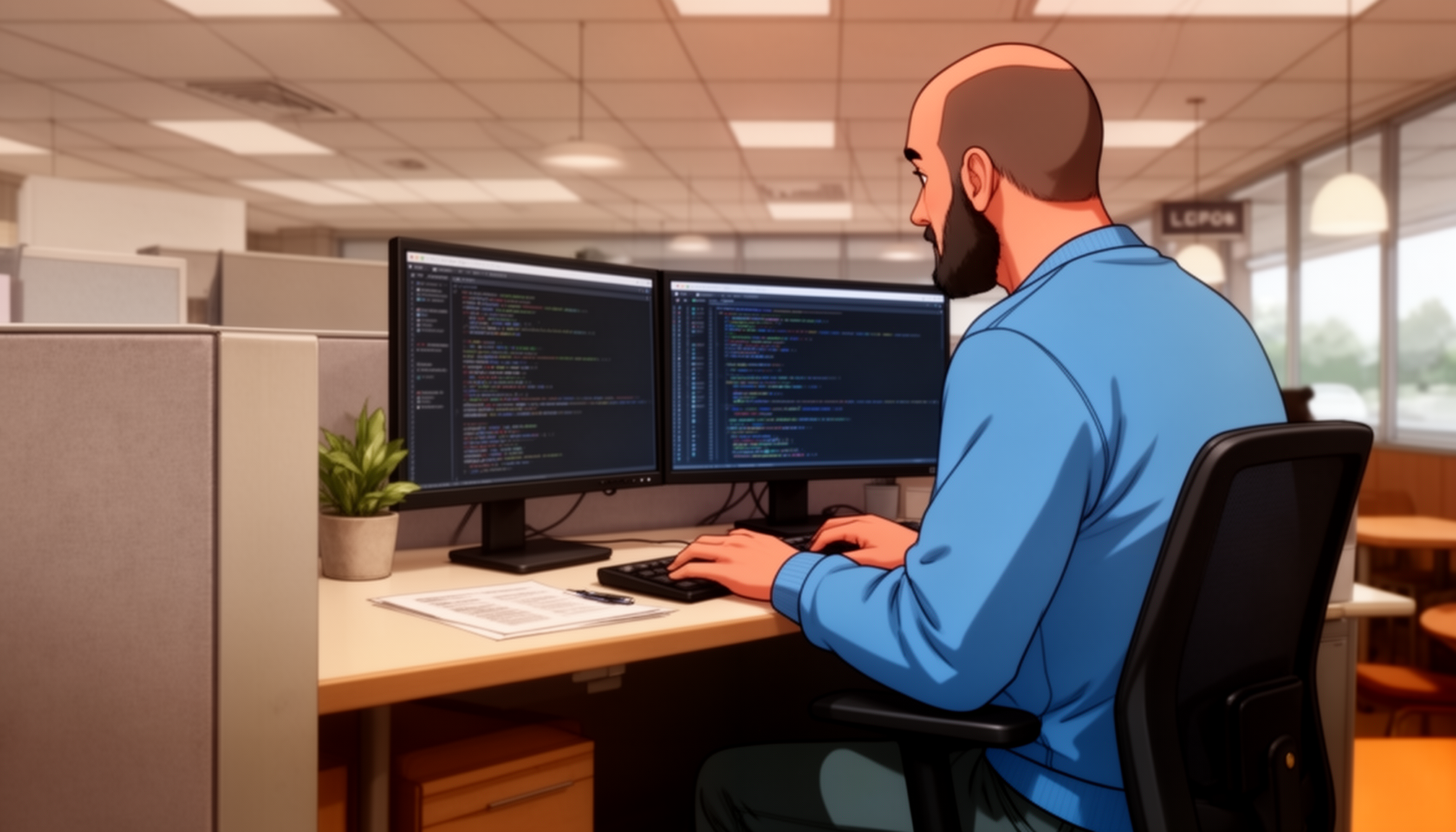 Prompt: @image1 the man in blue is working at his desk, in a cubicle in a corporate office. He is programming, focused.
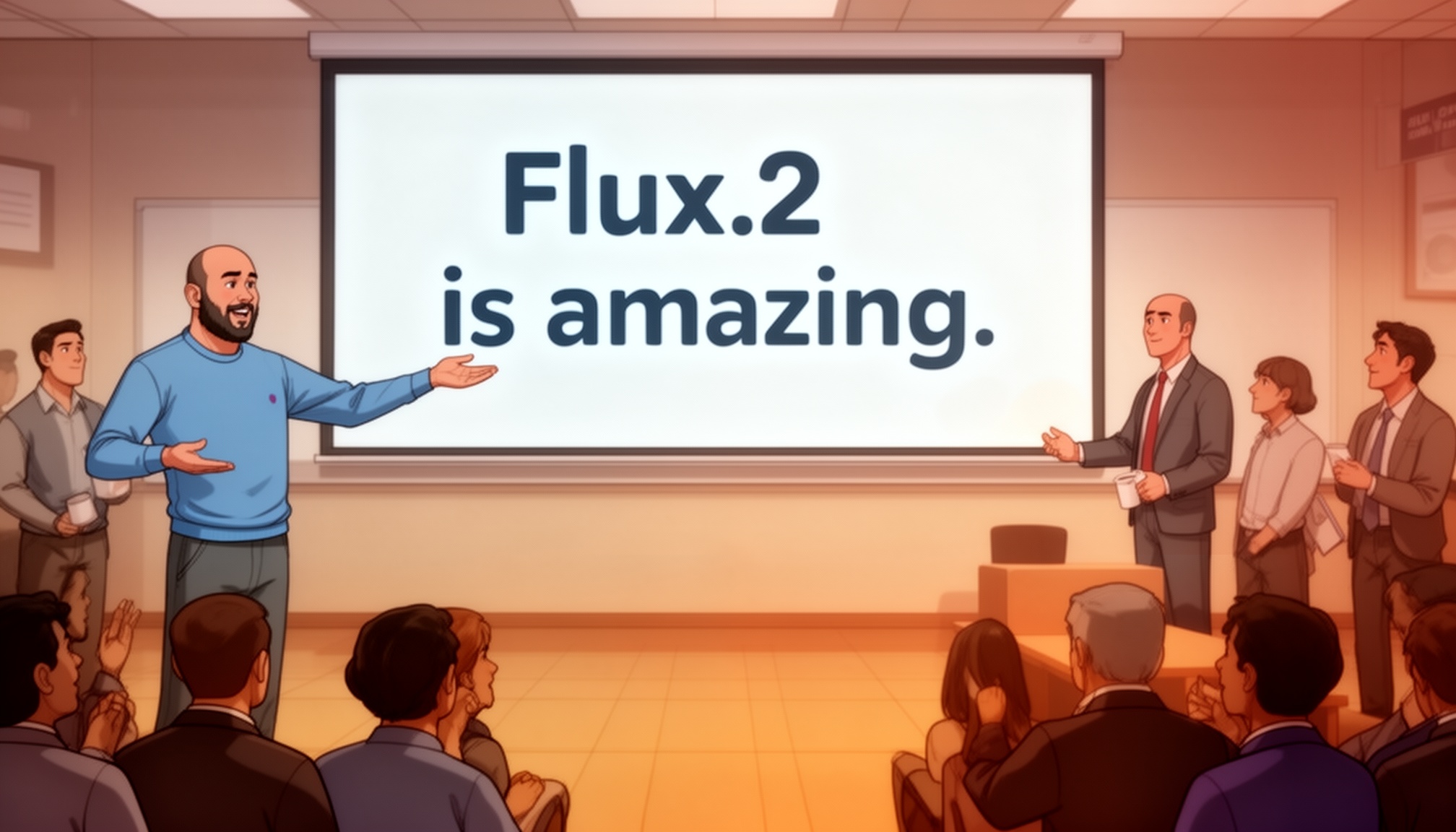 Prompt: @image1 Make the man in blue present to few peple. He is showing towards the screen, that read 'Flux.2 is amazing.' A story board illustration.
However, I did notice that it struggles a bit with faces when using multiple references. Faces look a bit off, esp, with real world photos, like eyes not aligned properly, or weird expressions. But overall, it is a huge improvement over previous models.
some examples below:
 Prompt: Man from @image1 is having a casual talk with his colleague, in a cafeteria. He is holding a coffee mug. He is laughing.
 Prompt: Man from @image1 is having a casual talk with his colleague, in a cafeteria. He is holding a coffee mug.
Finally was able to get the face right, but skin texture of hands are still off.
 Prompt: @image_1 Make a casual headshot of me, in office room, sitting in front of my computer, smiling at camera. Real looking. Natural lighting. long shot. I am relaxing on my chair.
Incredible Details
Details and photo realism are amazing. It generates cinematic and professional grade images.
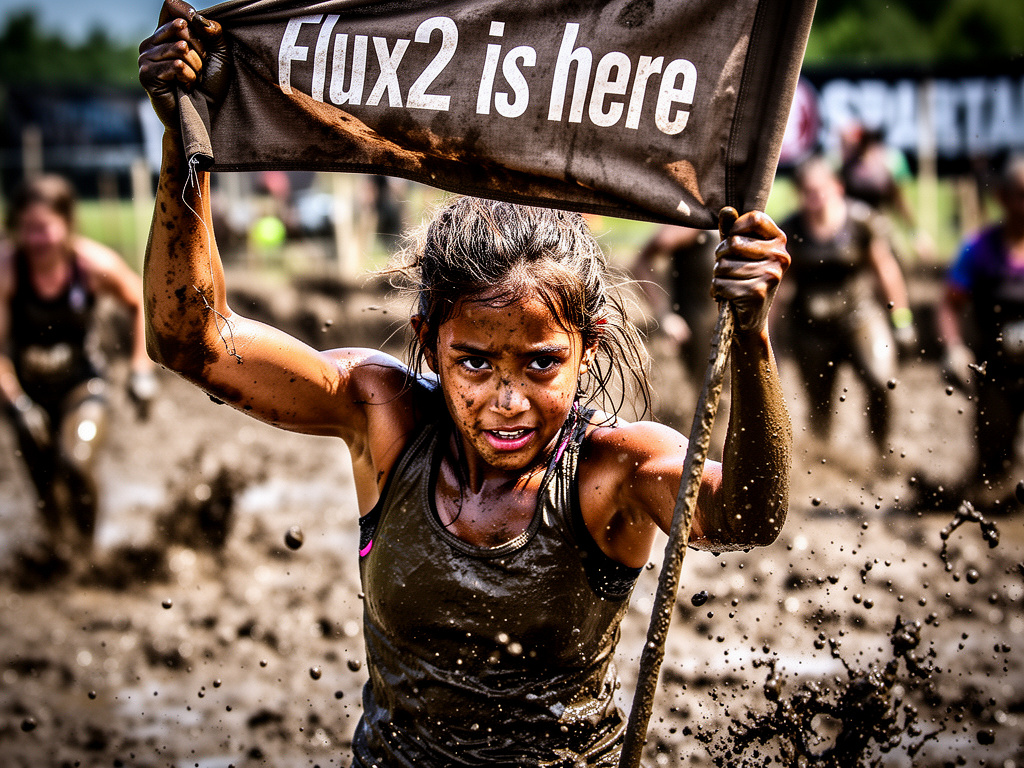 Prompt: A kid, of brown skin tone, playing rough in mud, as if competing in a spartan race. Close up, zoom on her, while she lifts a flag that reads 'Flux2 is here'.
However, I have one complaint, details on the next section.
Text Rendering
One of the main reason I hated SD models is their inability to generate text. Flux.1 solved it, but text still felt like it was pasted on, have some minor typos, had to go multiple iterations to get it right. Flux.2 nails it. Text is clear and looks natural. Not just tiny texts, but it can generate infographics, UI mockups, etc. with ease.
Prompt Understanding
This is subtle but makes a huge difference. I can give it complex and structured prompts. It also understand multi-part prompts. I can specify background, foreground, details, mood, etc.. and it generates accordingly.
Here’s an example of image and it’s structured prompt:
{
  "scene": "Office cafeteria scene with colleagues talking and smiling.",
  "subjects": [
    {
      "type": "man",
      "description": "A smiling man in business casual attire.",
      "pose": "Standing, facing slightly towards the other person, gesturing with one hand.",
      "position": "midground"
    },
    {
      "type": "woman",
      "description": "A smiling woman in business casual attire.",
      "pose": "Standing, facing the man, engaged in conversation.",
      "position": "midground"
    }
  ],
  "style": "Amateur photography, realistic.",
  "color_palette": [
    "#F5F5DC",
    "#A9A9A9",
    "#4682B4"
  ],
  "lighting": "Bright, natural overhead fluorescent lighting.",
  "mood": "Friendly, casual, positive.",
  "background": "Blurred office cafeteria with tables and chairs visible.",
  "composition": "Medium shot, eye-level.",
  "camera": {
    "angle": "Eye-level",
    "distance": "Medium shot",
    "focus": "Shallow depth of field, focusing on the subjects.",
    "lens": "Standard smartphone lens",
    "f-number": "f/2.8",
    "ISO": 400
  },
  "effects": [
    "Slight lens flare off ambient light",
    "Natural color saturation"
  ]
}
 Screenshot of settings showing structured prompt for Flux.2
And here is the final produced image:

Too Realistic
One complaint I have with Flux.2 is that it is too realistic. While I appreciate the cinematic and professional grade images, that’s not what users always want.
People love and connect more with a regular photo taken on iPhone than a cinematic shot. Imperfections make images more relatable. I am a big fan of such real world images that focus on story and emotions, rather than technical colors and lighting perfections.
So I have to explicitly mention in prompt, to make it low quality, amatuer, taken on phone, etc… to get such images, or process it later in photoshop to add some grain, lower sharpness, get that real world feel.
Examples:
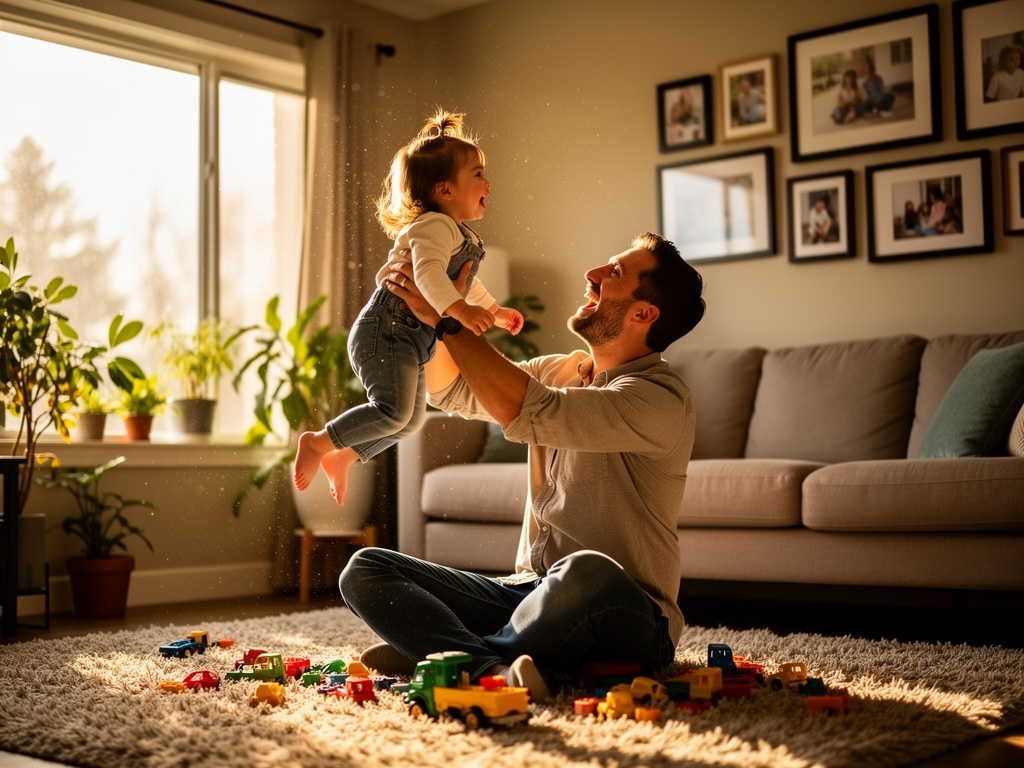 Prompt: A father playing with his 2-year-old daughter in the living room, natural afternoon light coming through the window, candid moment
 Prompt: A father playing with his 2-year-old daughter in the living room, natural afternoon light coming through the window, candid moment, amateur photography, taken on iPhone, slightly grainy, low quality, casual snapshot
While they are both amazing, the second one connects more with me personally. Maybe it’s because of the imperfections, the grain, the lighting, etc.. It feels more real.
Enterprise Ready: Safety Features
This is where I debate with myself, an advocate for unrestricted technology vs the responsible professional.
At a personal level, a part of me, believes technology to be free and unrestricted. Tools should be neutral and restrictions feel like limitations on creative freedom. I believe in freedom to compute and the idea that tools should not be moral arbiters.
However, as a technology professional, that works with organizations and understand real word constraints understand the need for these safety features. If I have to implement this and have to justify to a CTO or legal team, these safety enhancements are a blessing.
Black Forest Labs has put in some serious work into Flux.2’s safety implementations and it is impressive.
-
Internet Watch Foundation They have teamed up with Internet Watch Foundation to filter all harmful content, including CSAM (Child Sexual Abuse Material) and Non-Consensual Intimate Imagery (NCII) from the pre-training data itself. They have ran multiple evaluations to test model’s resilience against attempts to generate harmful content. This is something I would support completely at personal and professional level.
-
Filters for NSFW and IP infrinding It includes filters for NSFW and IP-infringing, at both input and output levels. At personal level, I hate this. IP-infringing is a nuance that I never understand. But at a professional level, I completely support this. No organization would want to deal with legal issues around unintented IP infringements.
-
Content provenance This is another impressive step that I completely support. Flux.2 embeds digital watermarks and uses c2pa, which cryptographically signs the output image. This means that we can verify if an image is AI-generated or not. In today’s world of misinformation and deepfakes, this is a crucial feature. I would encourage more AI models to adopt this as well.
I understand these restrictions can be an annoyance for hobbysists and enthusiasts, but if we want AI to be taken seriously in production environments, we have to embrace the guardrails. While I still don’t know where to draw the line between freedom and responsiblity, I appreciate that Black Forest Labs are thinking about it seriously rather than ignoring it. Being proactive about it.
Final Thoughts
Flux.2 is not just an incremental upgrade from Flux.1, it is a shift in the paradigm of AI image generation. It is a fundamental change in what’s possible with AI image generation.
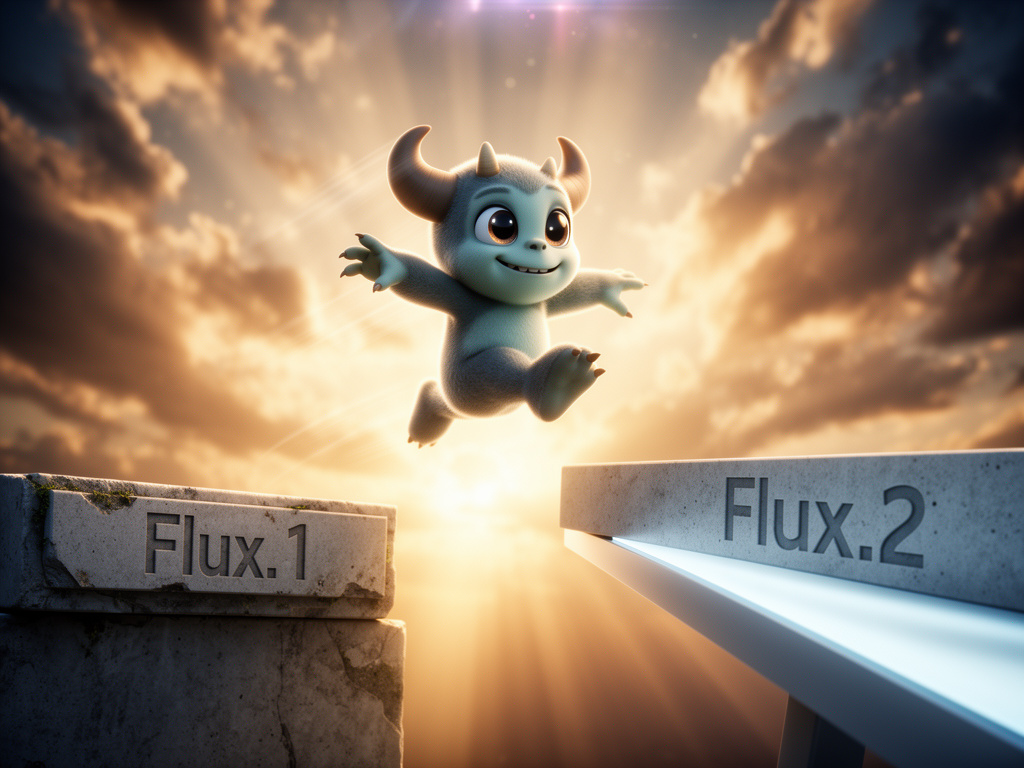 Prompt: A cute little 3d humanoid monster taking a confident leap from stepping stone labeled
The multi-reference support, text rendering, prompt understanding is just a glimpse of what is possible. More than technological improvements, Flux.2 signals where field is heading. It is moving from a tool for hobbyists to a professional grade tool for enterprises. It is moving from “cool demos” to “real world applications”.
I am still continuing to explore Flux.2 and its capabilities, but I am excited about the possibilities it opens up. With Flux.1, Black Forest Labs showed that open source image-gen can compete with closed models, like Gemini. With Flux.2, they are leading the charge into the future, with resposibility ofcourse.
They nailed it again.